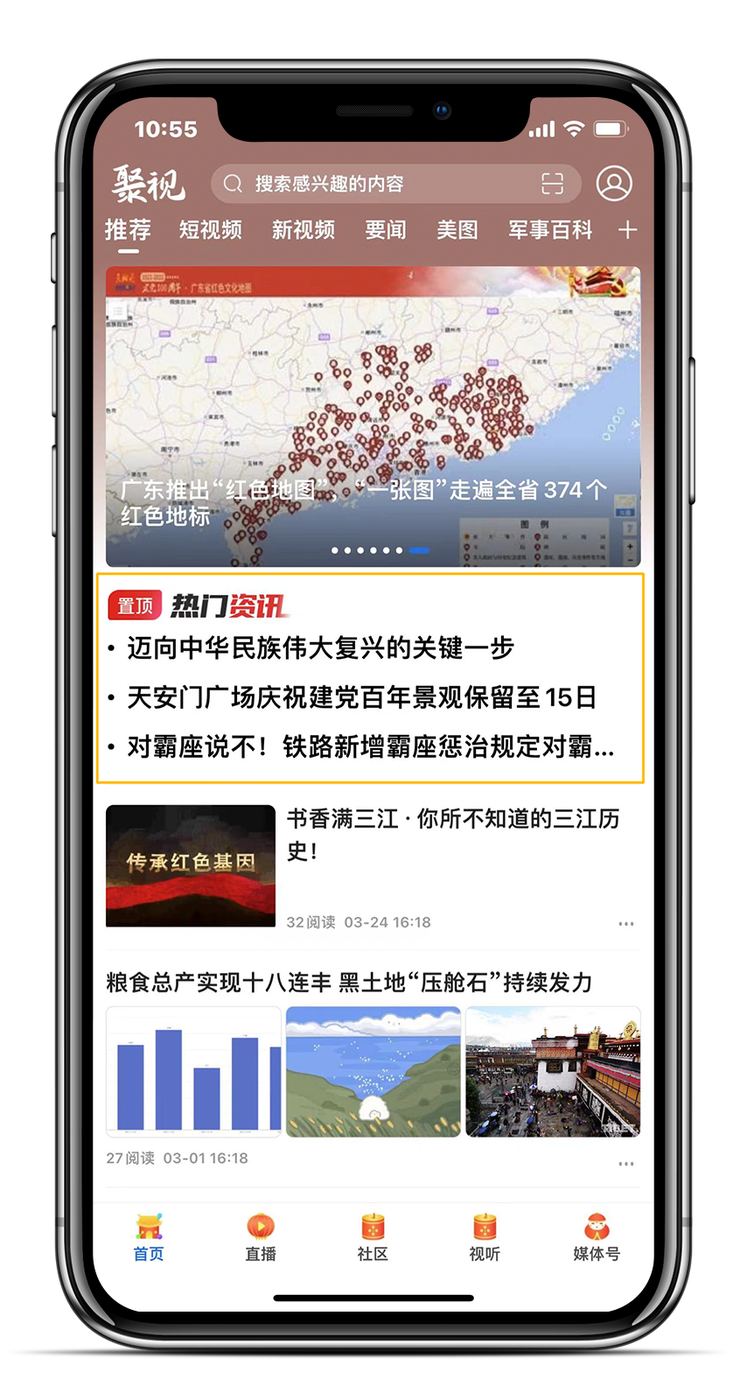
1. New pinned recommendation component
The pinned recommendation component supports a title icon, go-live and take-down times and the number of items shown. It sits in the first position below the carousel, or first on the page if the channel has no carousel. Set it in the back office under App Management > Component Management > Pinned Recommendations.
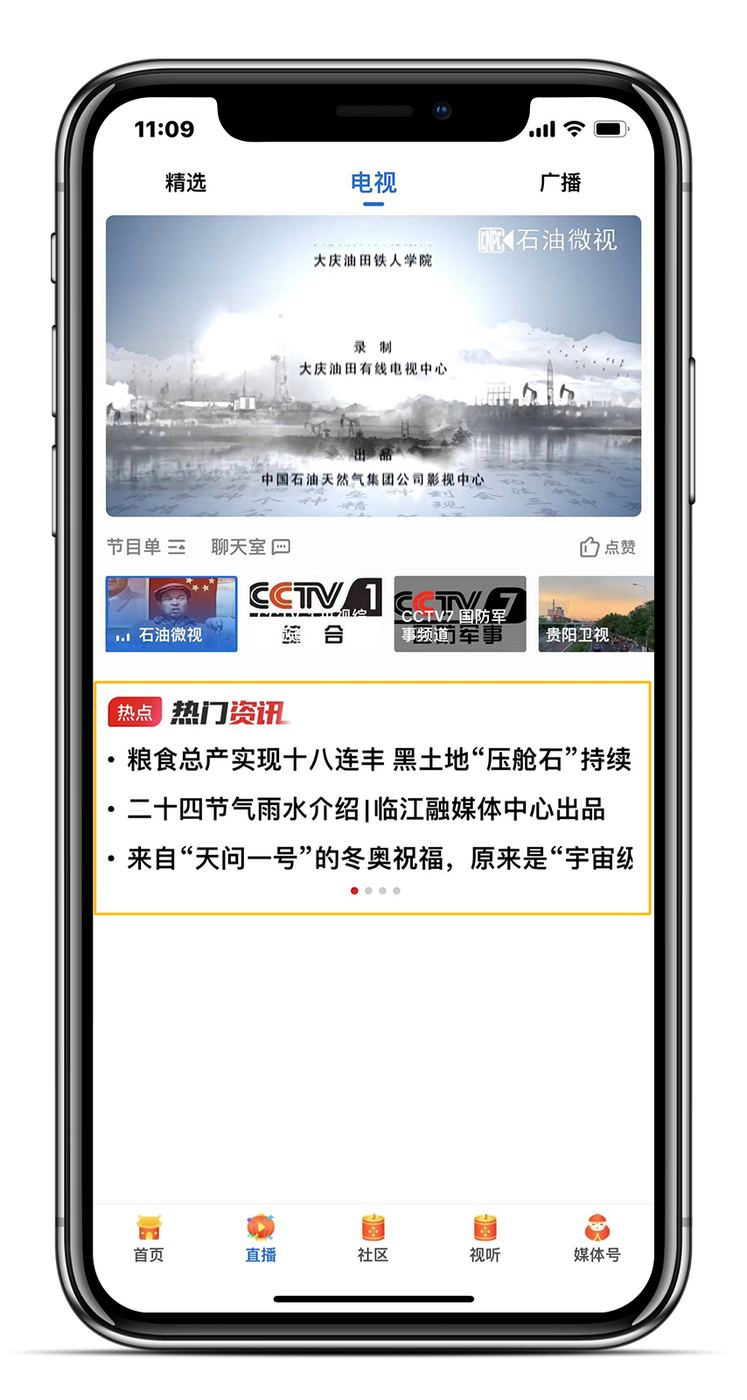
2. New trending recommendation component
The trending recommendation component supports its position on the list page, a title icon, go-live and take-down times and the number of items shown. Set it under App Management > Component Management > Trending Recommendations.
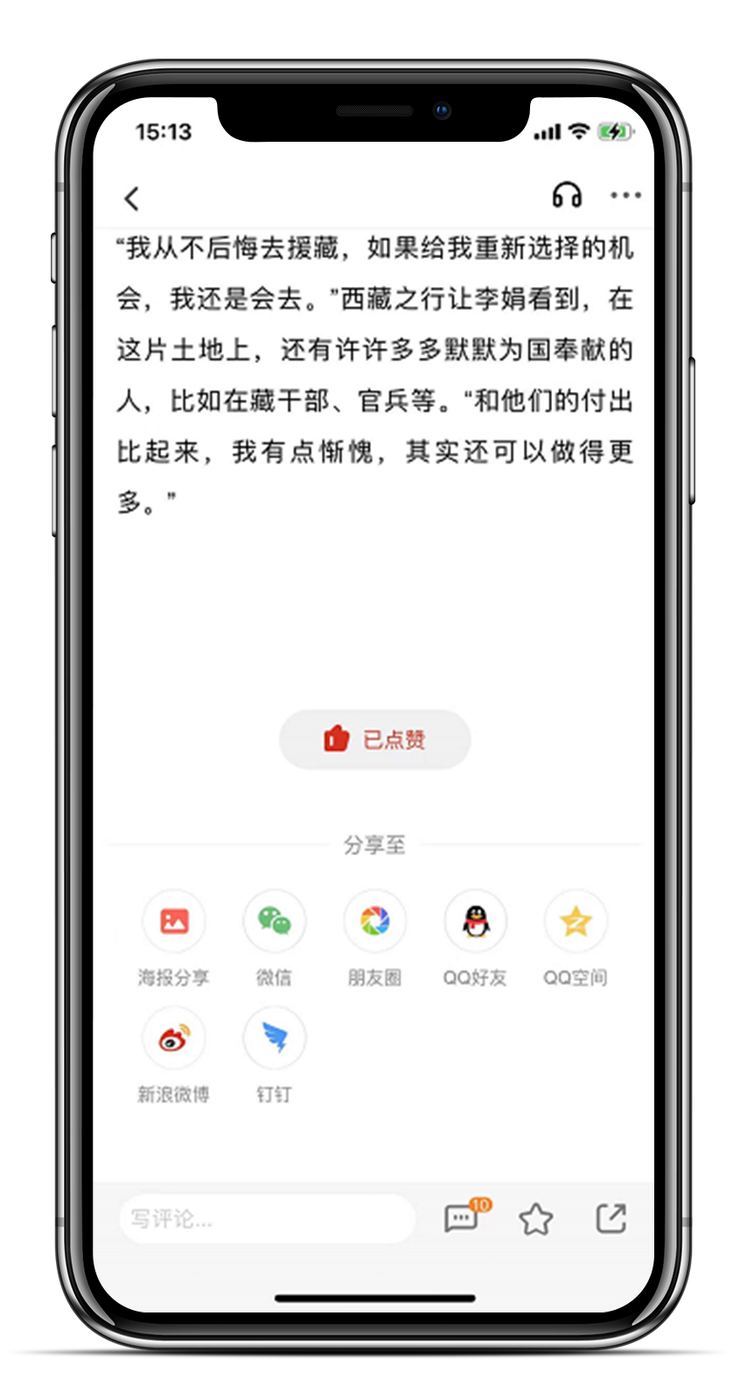
3. Share shortcut at the bottom of articles
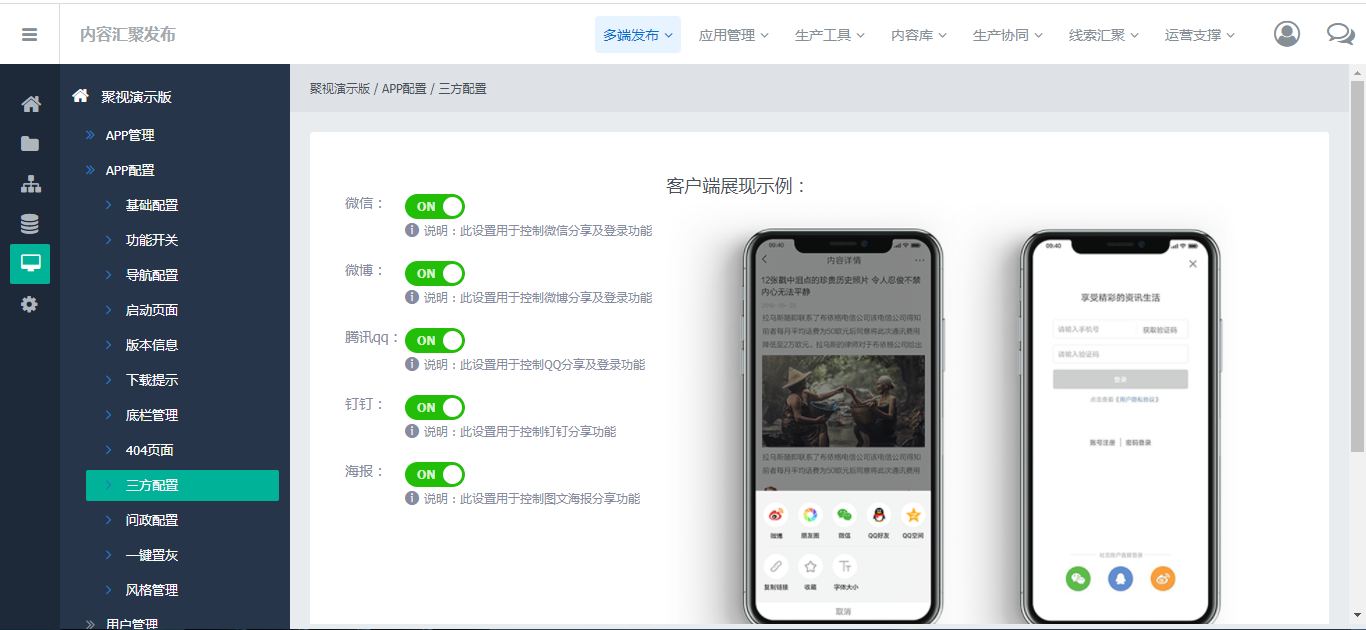
The share shortcut at the bottom of articles is controlled in the back office under App Configuration > Third-Party Settings.
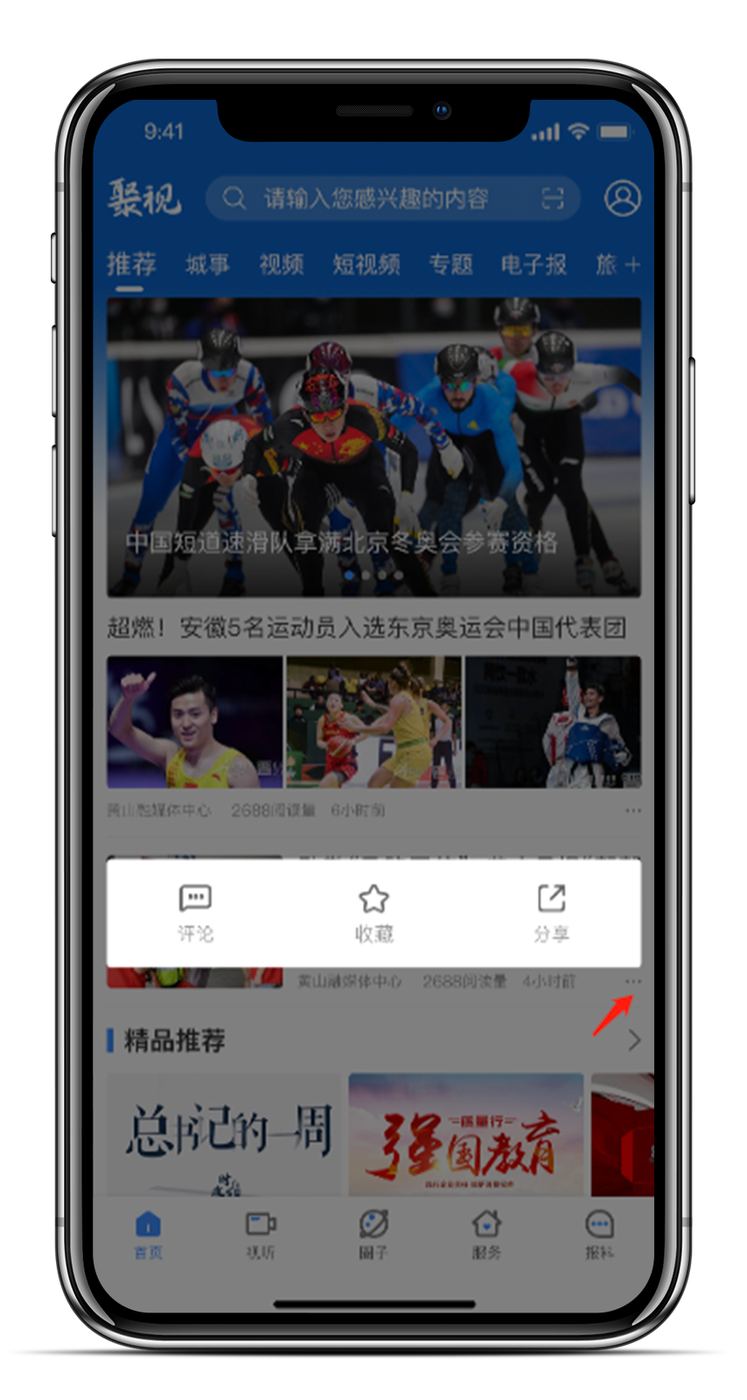
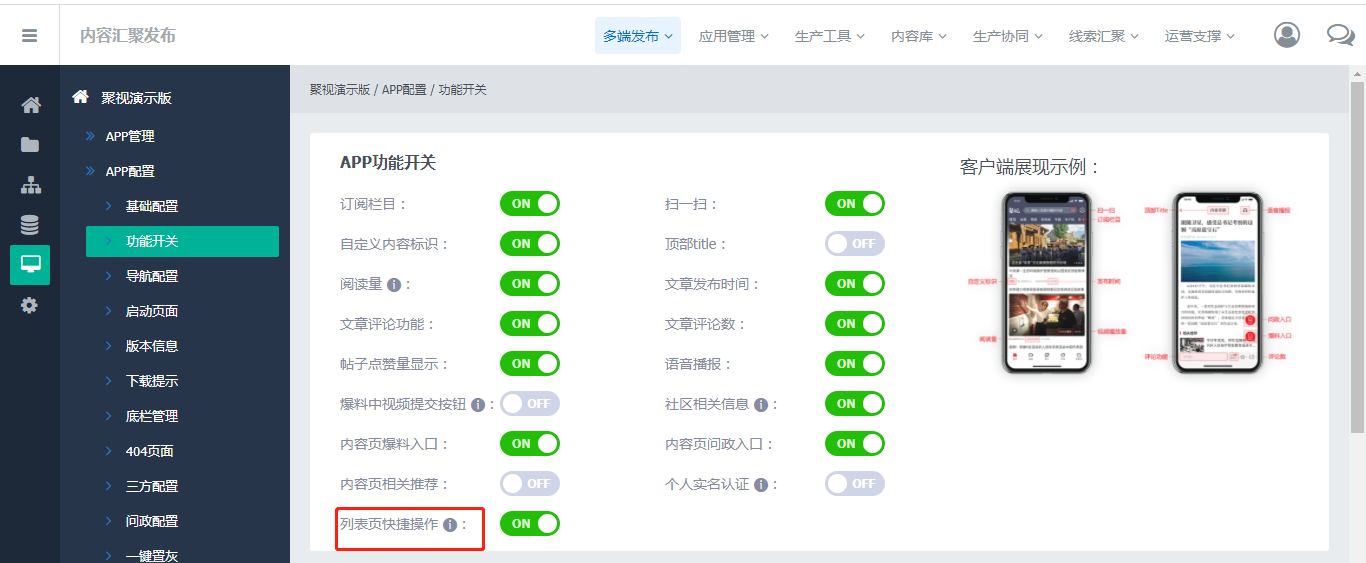
4. List shortcut buttons throughout the app
Once enabled, users can comment, save and share straight from lists. Set it under App Configuration > Feature Switches.
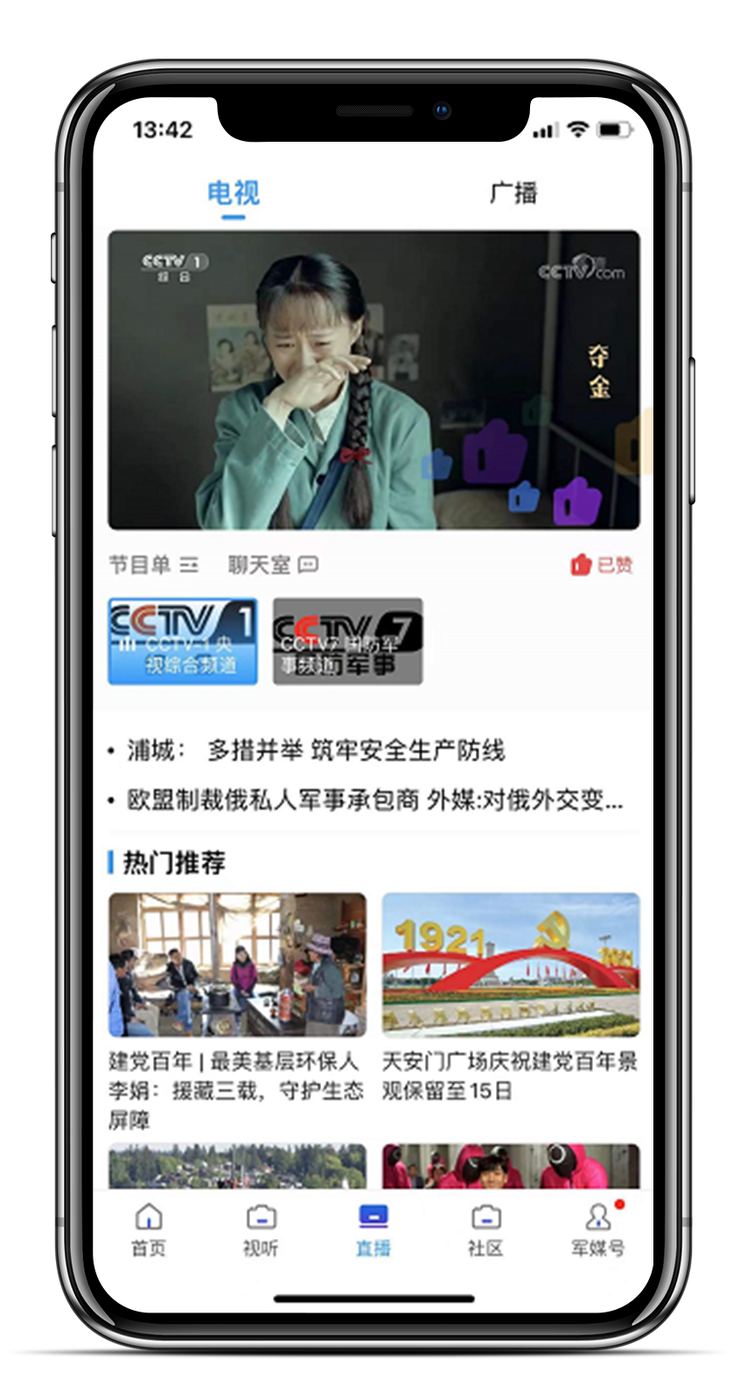
5. Animated likes on the live TV page
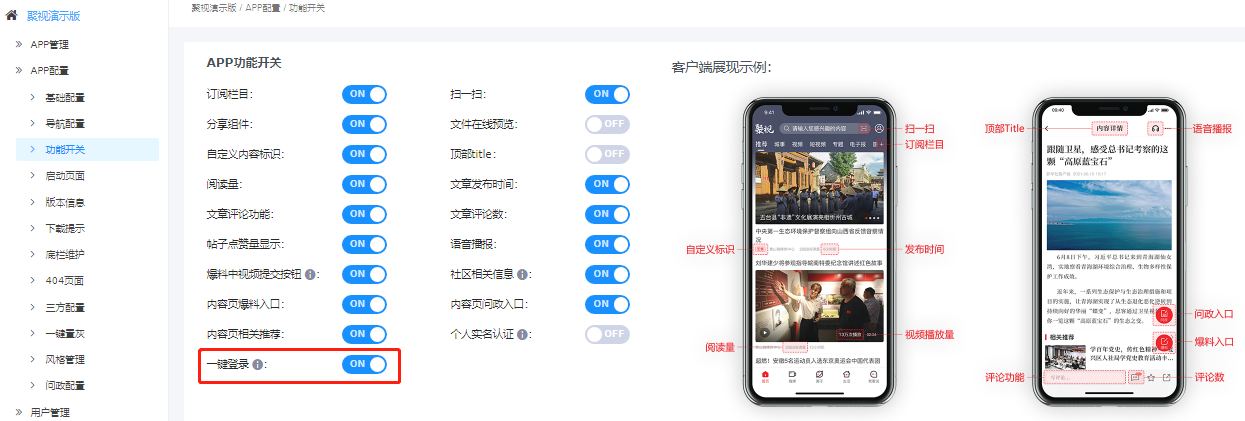
6. New one-tap login
The login screen supports one-tap login with a mobile number, set under App Configuration > Feature Switches.
Beyond these features, Jushi 4.1 also includes other refinements to details and styling. Jushi will keep improving the platform, bringing together media, government and service resources to advance deep media convergence, and helping mainstream and new media move from simply adding up to truly merging.